

How to Navigate the Photo Gallery
-
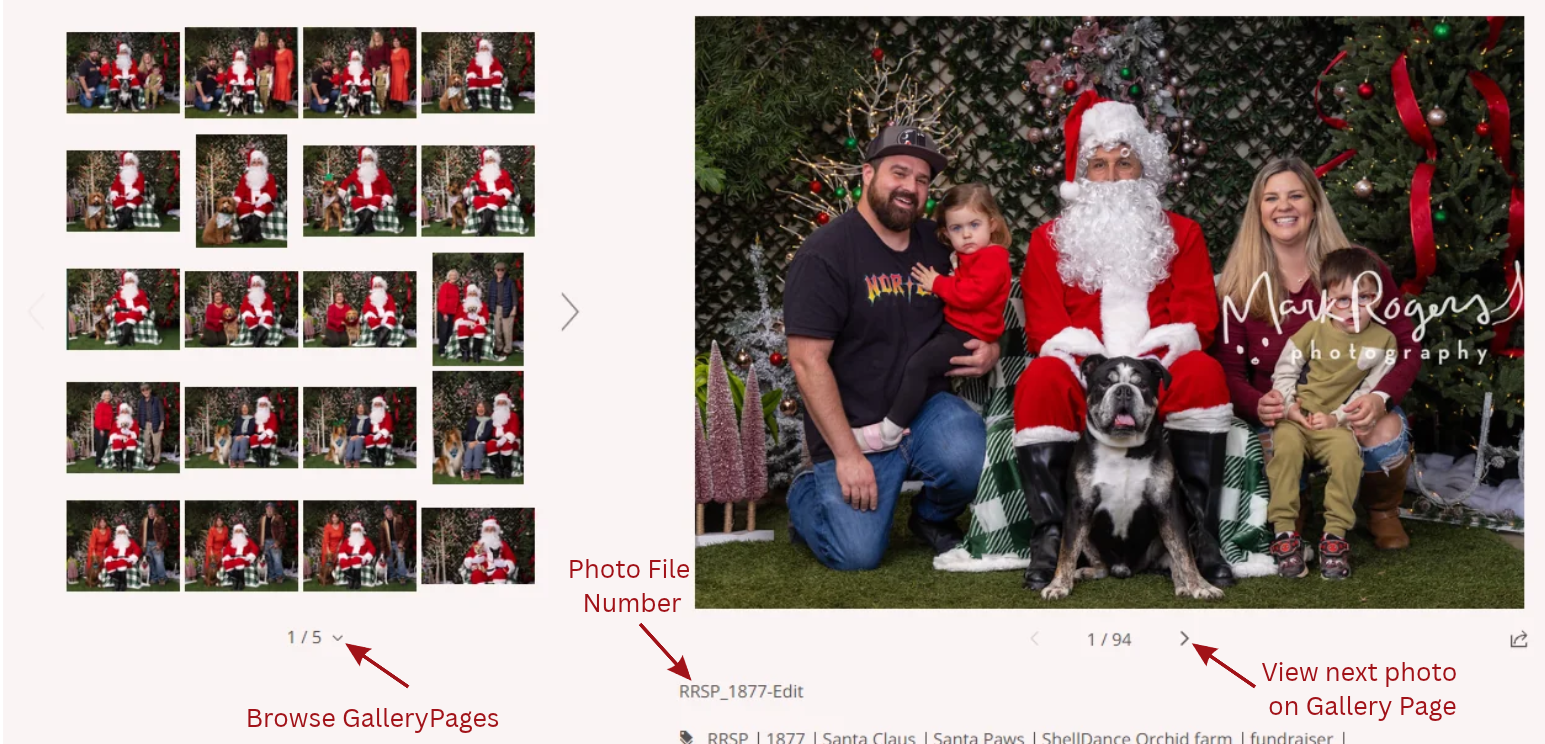
Use the arrows under the thumbnails to browse through the gallery pages.
-
Click any thumbnail to view a larger version of that photo.
-
Use the arrows beneath the larger image to move between individual photos.
-
Make note of the photo file number (for example, RRSP_1877) for each image you wish to order.
COMPLETE PHOTO SELECTION AND ORDER FORM
- Enter first and last name and the email address where you would like your photos delivered.
- Enter the file number of the photo included with your ticket.
- Enter the file number(s) of any additional photos you wish to purchase.
- Provide payment information if purchasing additional photos.